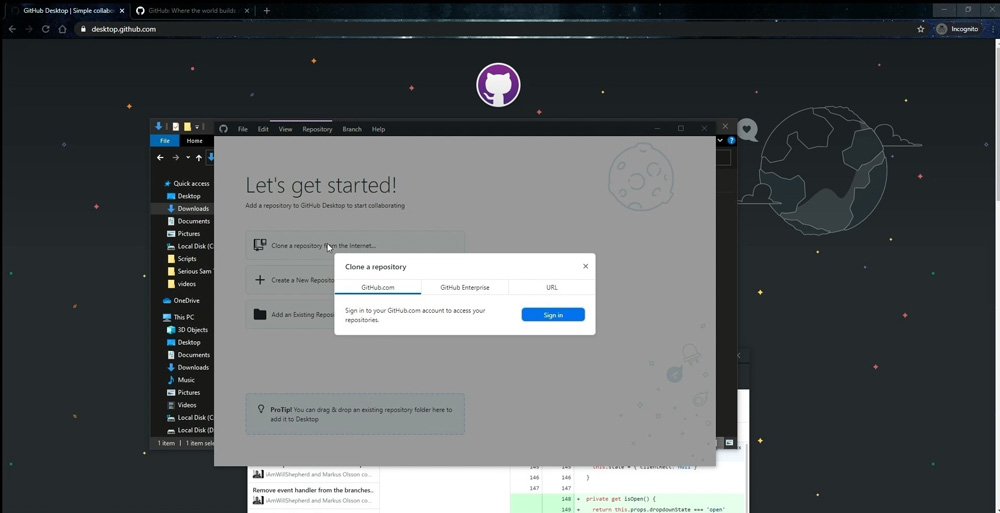
In this article, we will explain how to install Github Desktop on Windows and clone a repository. This tool will be extremely helpful for teams aiming, among other things, to accelerate desktop application testing.
Note that if you want to use Github Desktop, you need to have Git installed first. You can learn how to do it in our video.
Step 1
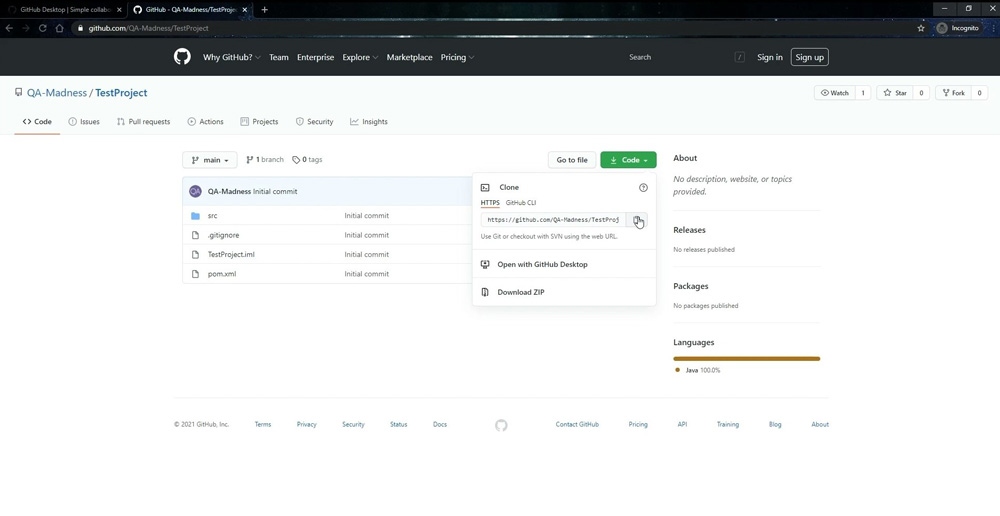
Step 2
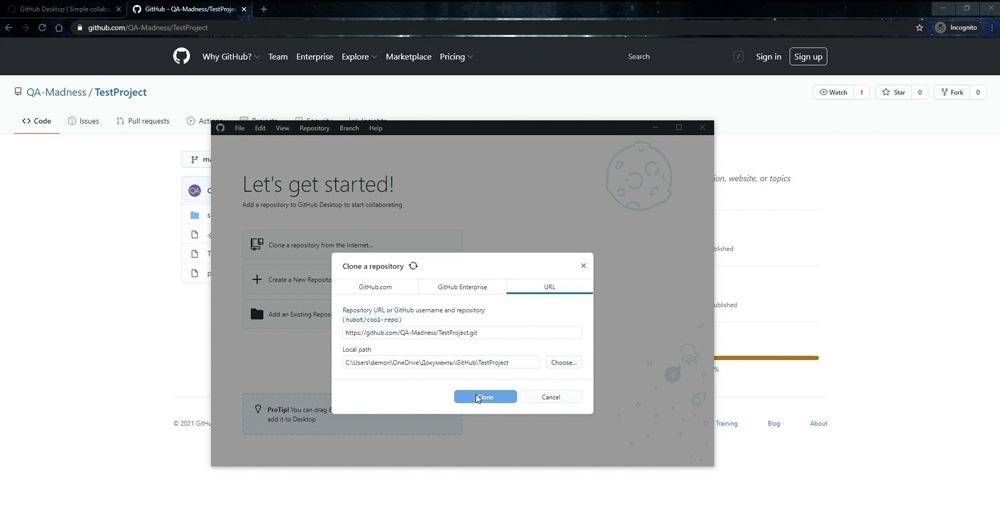
Step 3
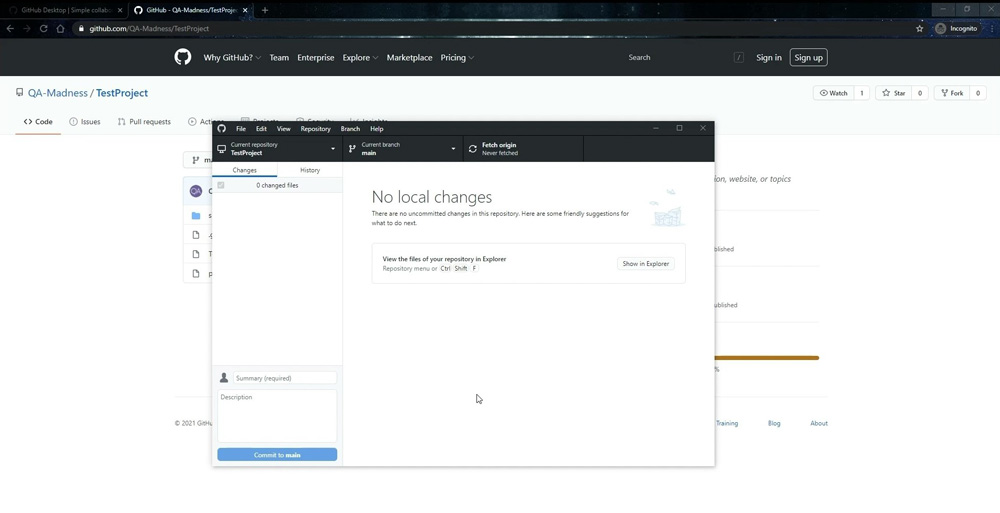
Step 4
Yes. GitHub Desktop requires Git to be installed on your machine. Install Git first, then proceed with the GitHub Desktop setup.
Yes. Use the URL tab in the “Clone a repository” dialog and paste the public repository link directly – no login required.
You choose the local folder during the cloning process. By default, GitHub Desktop suggests a folder in your user directory, but you can change it to any location on your machine.
Yes. GitHub Desktop supports both Windows and macOS. The installation process is similar on both platforms.
GitHub Desktop simplifies version control for testers who prefer a visual interface over command-line Git. It helps QA engineers manage test scripts, automation frameworks, and repository branches without memorizing Git commands.
The knowledge of a programming language can help a QA specialist in different ways. Besides…
Functional testing is a type of software testing that verifies each feature of an application…
Testing is a critical phase of the software development life cycle (SDLC). It is the…
A bug life cycle in software testing is a set of statuses designed to coordinate…
In 2026, software architecture is no longer just multi-layered; it is highly distributed and deeply…
If you check the comments in a review of a mobile app, you often can…